Mixed download types
Before
report.pdf, photo-export.png, archive.zip, and setup.exe
After
Documents/PDF, Images, Archives, and Installers with original filenames preserved
Organize a crowded Windows Downloads folder by file type, metadata, or modified date. Preview exact destinations, avoid conflicts, and undo approved moves.
Cleanora is a Downloads folder organizer for Windows 10 and 11. It classifies local files using filenames, extensions, modified dates, and filesystem metadata, then shows the exact destination and any conflict before a move. You can exclude files, approve the remaining plan, and use the local audit history to undo eligible changes.
The captures below show Cleanora's metadata-only planning screen and the resulting Windows folder structure. On September 6, 2026, the backend regression suite passed all 58 scanner, classifier, planner, execution, audit, undo, licensing, and configuration tests.
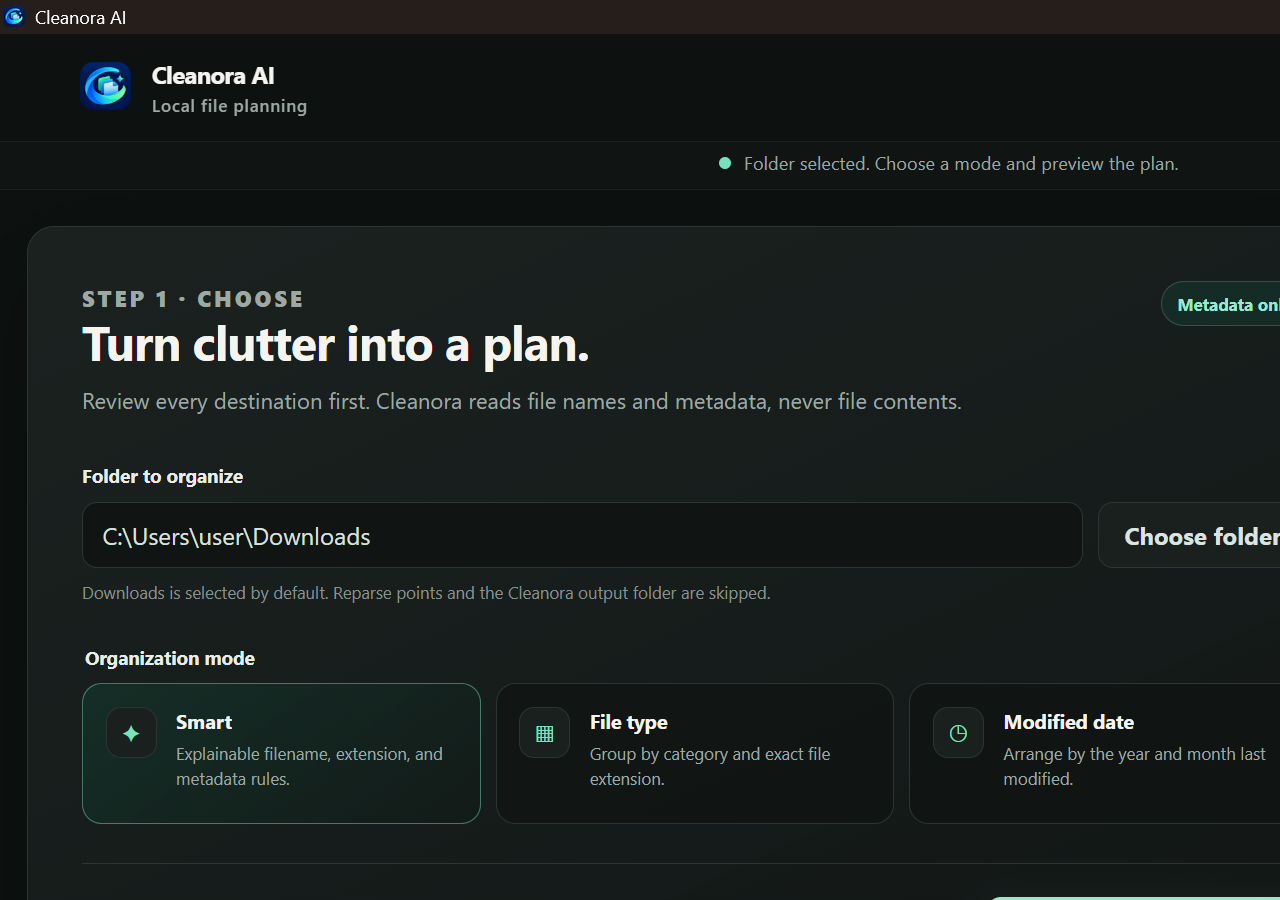
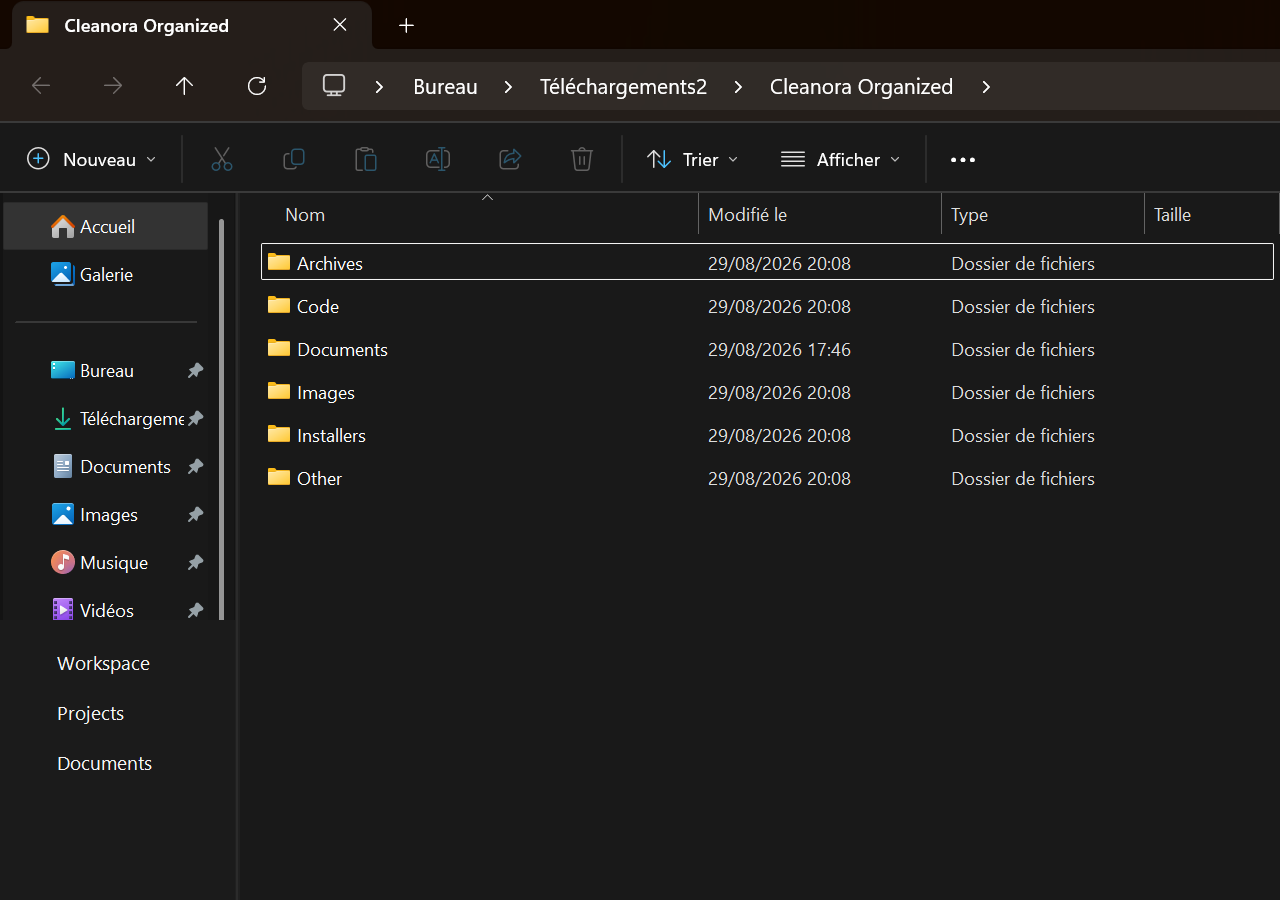
The 3.503-second figure is the automated test-suite runtime, not a promise about how long a real Downloads folder will take. Folder speed varies with file count, disk performance, and security software.
Browsers, email clients, and collaboration tools all save files into Downloads. Documents, spreadsheets, images, archives, installers, code, audio, and video quickly end up in one folder with no consistent structure.
A bulk organizer should not make silent decisions. Cleanora keeps the planner metadata-based and explainable, reserves collision-safe destinations, rejects changed or expired plans, and requires explicit confirmation before moving selected files.
report.pdf, photo-export.png, archive.zip, and setup.exe
Documents/PDF, Images, Archives, and Installers with original filenames preserved
Files from several months mixed in one folder
Modified Date/Year/Year-Month destinations shown before moving
Choose a method based on how varied the folder is and how often it changes.
| Option | Best for | Tradeoff |
|---|---|---|
| Cleanora | Mixed files that fit deterministic metadata categories | Requires reviewing proposed destinations |
| Browser destination prompts | Choosing a folder at download time | Adds friction to every download |
| Scheduled manual cleanup | Small folders | Easy to postpone and inconsistent at scale |
Cleanora's organization workflow moves selected files into reviewed destination folders. It is not presented as an automatic deletion tool.
Weekly works for heavy downloaders; monthly is enough for lighter use. The best schedule prevents the folder from becoming difficult to review.
Scanning and planning run locally. Internet access is used for purchase and license activation; the organizer does not send file contents to a remote classification service.
Classify files locally on Windows, review exact destinations, then apply only the file moves you approve.
Download for Windows Get the complete bundle